
Close Menu
    Facebook X (Twitter) Instagram
    • Articles
    • How it Works
    • Our Story
    • Contact Us
    Facebook X (Twitter) Instagram Pinterest Vimeo
    IT Beginner
    • Home
    • Blog
      • Happiness
      • Productivity
      • Leadership
    • About us
    • Contact us
    IT Beginner
    Software

    Cisco Packet Tracer 9.0.0 Open BETA Download

    02/04/2025Updated:02/04/20251 Comment2 Mins Read

    Explore and test new features early with the BETA version of Cisco Packet Tracer 9.0.0.
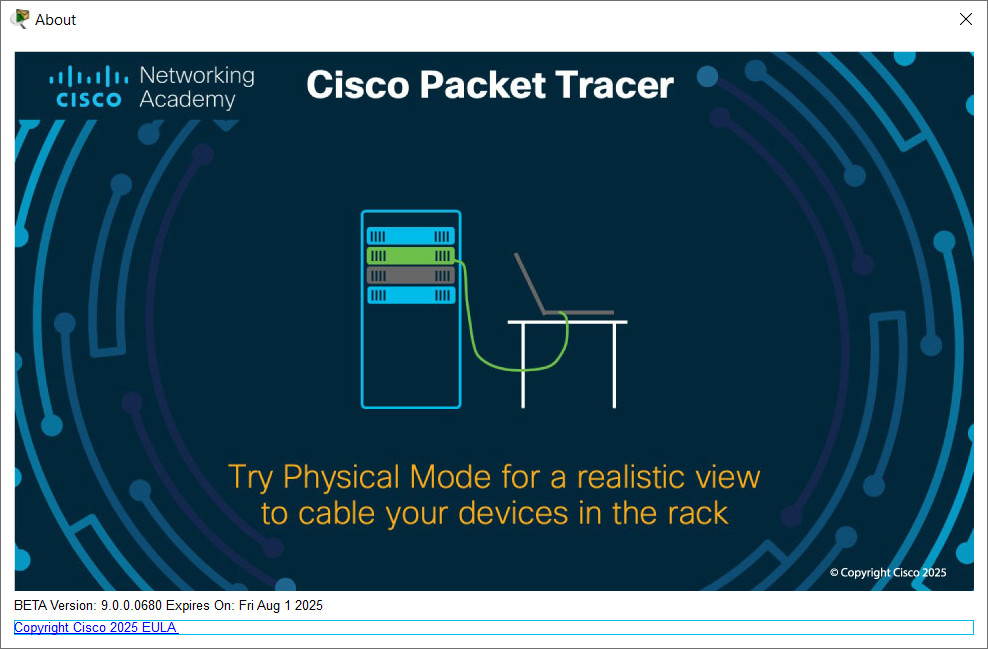
    All activities in the Industrial Networking Essentials course have been successfully tested with the Cisco Packet Tracer 9.0.0 Open Beta. Please note that these activities cannot be completed using Cisco Packet Tracer version 8.2.2, although version 8.2.2 is still recommended for all other courses.

    System Requirements:

    Computer with either Windows (10, 11), MacOS (10.15 or newer) or Ubuntu (22.04 LTS operating system), amd64(x86-64) CPU, 4 GB of free RAM, 1.4 GB of free disk space.

    As this is a beta – we do commend anyone to report any bugs they discover to our friends at Cisco … simply look under Help > Report an Issue. Please also note, the beta will expire on the 1st of August 2025 – so, please be prepared to update and remove when the final production version appears.

    Download and install the Cisco Packet Tracer 9.0.0 Open Beta version from the links below:

    • Cisco Packet Tracer 9.0.0 Open BETA – Windows 64bit
    • Cisco Packet Tracer 9.0.0 Open BETA – Ubuntu 64bit
    • Cisco Packet Tracer 9.0.0 Open BETA – MacOS 64bit

    Alternative download link:

    • Cisco Packet Tracer 9.0.0 Open BETA – Windows 64bit (Mega.nz)
    • Cisco Packet Tracer 9.0.0 Open BETA – Ubuntu 64bit (Mega.nz)
    • Cisco Packet Tracer 9.0.0 Open BETA – MacOS 64bit (Mega.nz)
    Previous ArticleDownload Cisco Packet Tracer 8.2.2 (Latest version 2024)

    Related Posts

    CentOS

    How to install XAMPP 1.8.3 with PHP 5.5.11 on Centos Sever

    25/07/2017
    Software

    Install and enable zlib on Linux server

    19/07/2017
    CentOS

    How to install and configure Varnish with Apache on Centos 6

    19/07/2017
    Subscribe
    Notify of
    guest

    guest

    This site uses Akismet to reduce spam. Learn how your comment data is processed.

    1 Comment
    Oldest
    Newest Most Voted
    Inline Feedbacks
    View all comments
    Hai
    Hai
    1 year ago

    Thank so much

    0
    Reply
    • Productivity
    • Leadership

    No posts

    No posts

    Subscribe to Newsletter
    Our Socials
    • Instagram
    • Facebook
    • Twitter
    • YouTube
    • LinkedIn

    Archives

    • April 2025
    • May 2024
    • March 2023
    • July 2022
    • March 2022
    • July 2020
    • January 2019
    • August 2018
    • July 2018
    • August 2017
    • July 2017
    • September 2016

    Categories

    • Business
    • CCNA 1 Instructor Materials
    • CentOS
    • Database
    • Debian
    • Fedora
    • Firefox
    • Happiness
    • Hardware
    • ICND1 Labs
    • ICND2 Labs
    • Leadership
    • Linux Essentials
    • Linux Mint
    • Marketing
    • My SQL
    • Netflix
    • Networking
    • Productivity
    • Resources
    • Security
    • SEO
    • Server
    • Social Media
    • Software
    • Tips – Tricks
    • Ubuntu
    • Uncategorized
    • User Experience
    • WordPress
    • Xubuntu

    Lorem ipsum dolor sit amet, consectetur adipiscing elit, sed do eiusmod tempor incididunt ut labore et dolore magna accumsan in scelerisque.

    Facebook X (Twitter) Instagram Pinterest

    Type above and press Enter to search. Press Esc to cancel.

    wpDiscuz